

Class Activity PowerPoint PPT Presentation
1 / 11
Title: Class Activity
1
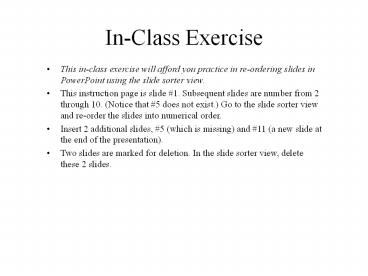
In-Class Exercise
- This in-class exercise will afford you practice
in re-ordering slides in PowerPoint using the
slide sorter view. - This instruction page is slide 1. Subsequent
slides are number from 2 through 10. (Notice that
5 does not exist.) Go to the slide sorter view
and re-order the slides into numerical order. - Insert 2 additional slides, 5 (which is missing)
and 11 (a new slide at the end of the
presentation). - Two slides are marked for deletion. In the slide
sorter view, delete these 2 slides.
2
SLIDE9
3
SLIDE6
4
DELETE THIS SLIDE
5
SLIDE7
6
SLIDE8
7
SLIDE10
8
DELETE THIS SLIDE
9
SLIDE4
10
SLIDE2
11
SLIDE3
Recommended

