

Scheduling an Appointment Using CPT Codes PowerPoint PPT Presentation
1 / 4
Title: Scheduling an Appointment Using CPT Codes
1
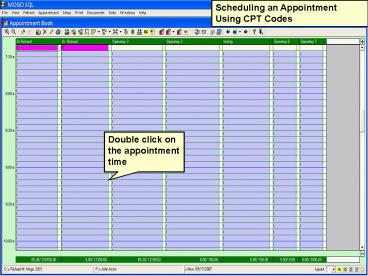
Scheduling an Appointment Using CPT Codes
Double click on the appointment time
2
Click the Provider Button and choose the
provider. Then click the Patient Button and
choose the patient.
Schedule by CPT Notes Click the Code Button
3
Select your codes from the list and click OK
4
Click OK
Select Units of Time (to show actual minutes,
click in the Show Min. Field)
Recommended

