

How New Tools Are Streamlining the Flyer Design Process PowerPoint PPT Presentation
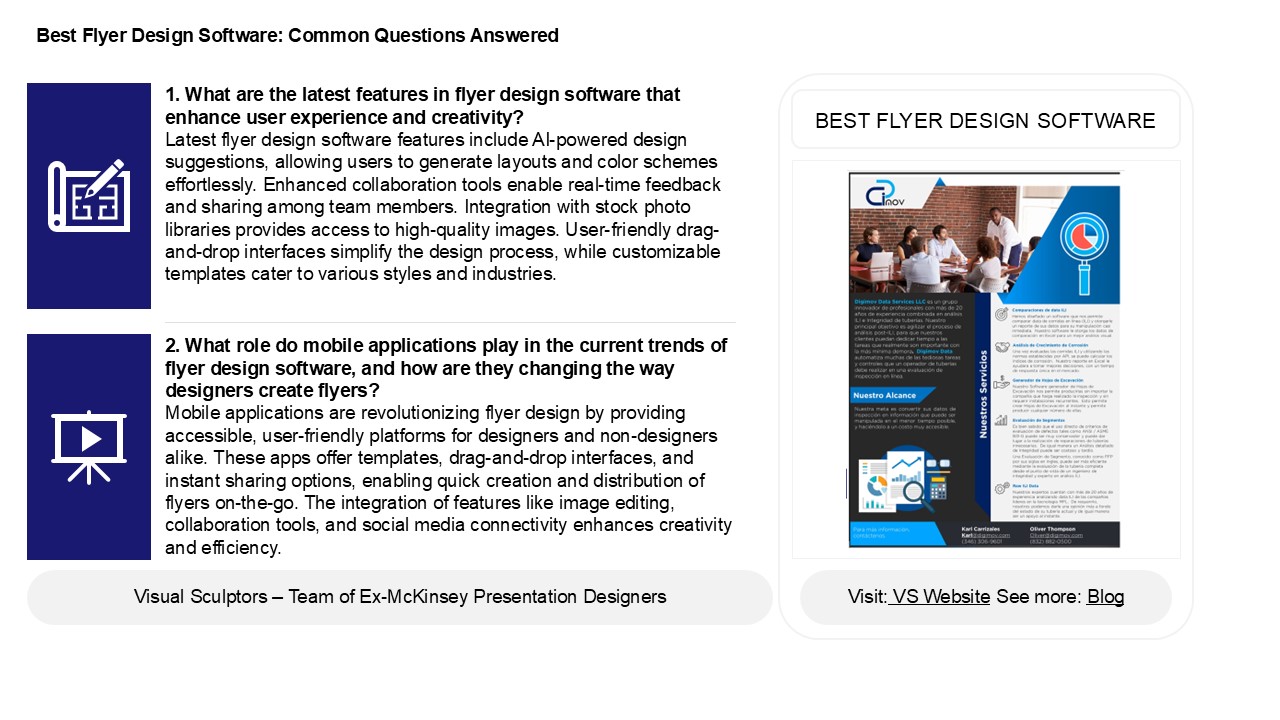
Title: How New Tools Are Streamlining the Flyer Design Process
1
Best Flyer Design Software Common Questions
Answered
1. What are the latest features in flyer design
software that enhance user experience and
creativity? Latest flyer design software features
include AI-powered design suggestions, allowing
users to generate layouts and color schemes
effortlessly. Enhanced collaboration tools enable
real-time feedback and sharing among team
members. Integration with stock photo libraries
provides access to high-quality images.
User-friendly drag-and-drop interfaces simplify
the design process, while customizable templates
cater to various styles and industries.
BEST FLYER DESIGN SOFTWARE
2. What role do mobile applications play in the
current trends of flyer design software, and how
are they changing the way designers create
flyers? Mobile applications are revolutionizing
flyer design by providing accessible,
user-friendly platforms for designers and
non-designers alike. These apps offer templates,
drag-and-drop interfaces, and instant sharing
options, enabling quick creation and distribution
of flyers on-the-go. The integration of features
like image editing, collaboration tools, and
social media connectivity enhances creativity and
efficiency.
2
Best Flyer Design Software Common Questions
Answered
3. In what ways are collaboration tools within
flyer design software evolving to support remote
teams and streamline the design
process? Collaboration tools in flyer design
software are increasingly incorporating real-time
editing, allowing remote teams to work
simultaneously on designs. Enhanced commenting
features enable team members to provide feedback
directly on the design, reducing communication
gaps. Cloud-based storage ensures easy access and
version control, while integration with project
management tools streamlines workflow.
Additionally, template libraries and asset
sharing promote consistency and efficiency.
AI-driven suggestions assist in optimizing
designs, making it easier for teams to align
their vision. Overall, these advancements foster
seamless collaboration and accelerate the design
process for remote teams.
4. What role do cloud-based platforms play in the
accessibility and collaboration aspects of flyer
design software for teams and individuals? Cloud-b
ased platforms enhance accessibility and
collaboration in flyer design software by
allowing users to access their projects from any
device with an internet connection. This
facilitates real-time collaboration among team
members, enabling multiple users to edit and
provide feedback simultaneously. Additionally,
these platforms often include version control and
sharing features, ensuring that everyone stays
updated. By eliminating the need for local
installations, cloud-based solutions make design
tools available to a broader audience, promoting
inclusivity and streamlining the creative process
for both individuals and teams.
5. How are mobile applications for flyer design
changing the way users create and distribute
promotional materials on-the-go? Mobile
applications for flyer design empower users to
create and distribute promotional materials
effortlessly from their devices. With
user-friendly interfaces and templates,
individuals can customize designs, add images,
and incorporate text quickly. These apps often
feature sharing options, allowing users to
distribute flyers via social media, email, or
messaging apps instantly. This convenience
enhances accessibility, enabling users to respond
to marketing needs in real-time and reach wider
audiences. Consequently, mobile flyer design
applications are revolutionizing promotional
strategies, making it easier for businesses and
individuals to engage with potential customers
on-the-go.
Recommended

