

Object Animation in PowerPoint: Timing and Control for Impactful Presentations PowerPoint PPT Presentation
Title: Object Animation in PowerPoint: Timing and Control for Impactful Presentations
1
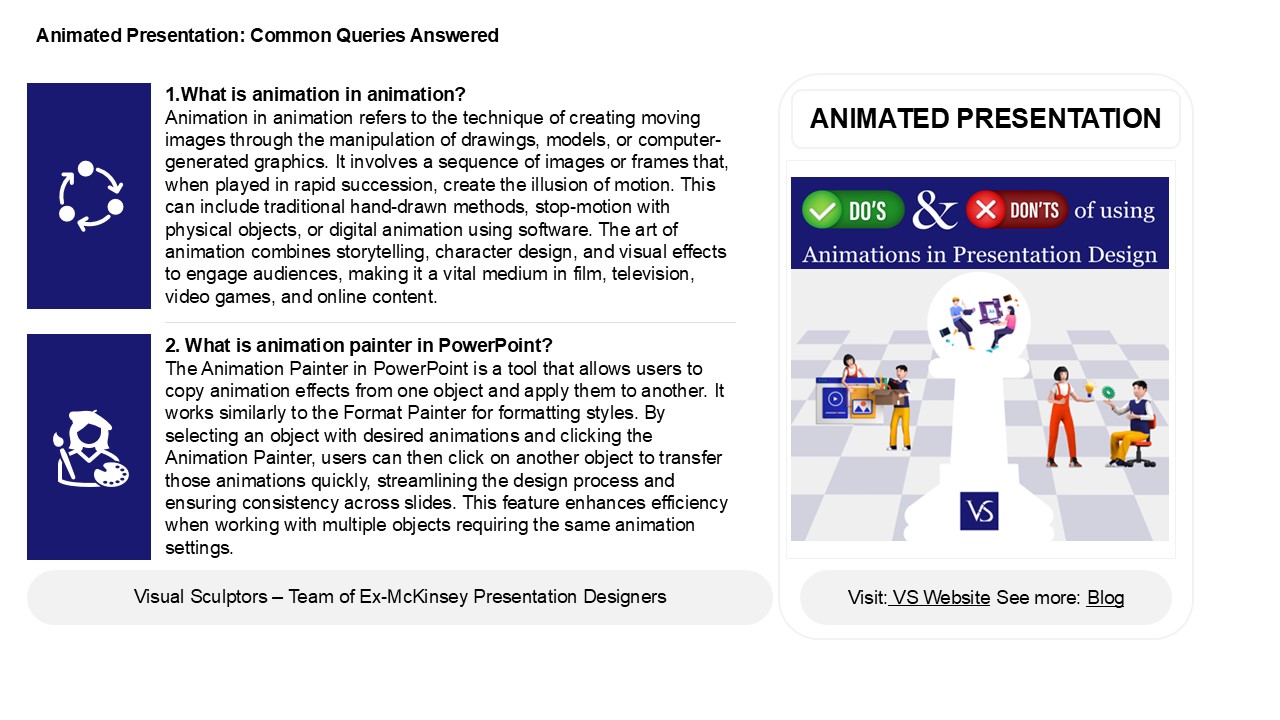
Animated Presentation Common Queries Answered
1.What is animation in animation? Animation in
animation refers to the technique of creating
moving images through the manipulation of
drawings, models, or computer-generated graphics.
It involves a sequence of images or frames that,
when played in rapid succession, create the
illusion of motion. This can include traditional
hand-drawn methods, stop-motion with physical
objects, or digital animation using software. The
art of animation combines storytelling, character
design, and visual effects to engage audiences,
making it a vital medium in film, television,
video games, and online content.
ANIMATED PRESENTATION
2. What is animation painter in PowerPoint? The
Animation Painter in PowerPoint is a tool that
allows users to copy animation effects from one
object and apply them to another. It works
similarly to the Format Painter for formatting
styles. By selecting an object with desired
animations and clicking the Animation Painter,
users can then click on another object to
transfer those animations quickly, streamlining
the design process and ensuring consistency
across slides. This feature enhances efficiency
when working with multiple objects requiring the
same animation settings.
2
Animated Presentation Common Queries Answered
3. What is object animation in PowerPoint?
Object animation in PowerPoint refers to the
technique of bringing elements, such as text,
images, or shapes, to life during a presentation.
This is achieved by applying various animation
effects that control how objects appear,
disappear, or move on the slide. Users can
customize the timing, order, and triggers for
these animations, enhancing visual engagement and
emphasizing key points. Object animations help
maintain audience interest and can make complex
information more digestible by guiding attention
effectively throughout the presentation.
4. What is a theme in PowerPoint? A theme in
PowerPoint is a predefined set of design elements
that includes colors, fonts, effects, and
background styles. It helps create a cohesive
look and feel across a presentation, ensuring
consistency and professionalism. Themes can be
customized to fit the presentation's purpose and
audience, making it easier to convey messages
effectively. Users can choose from built-in
themes or create their own, enhancing visual
appeal and improving audience engagement.
5. What is emphasis animation in PowerPoint?
Emphasis animation in PowerPoint highlights or
draws attention to an object or text on a slide.
It enhances the visual impact by adding effects
such as changes in size, color, or movement.
These animations can make elements pulse, spin,
or change opacity, allowing presenters to focus
the audience's attention on key points. Emphasis
animations are often used to reinforce important
messages or to keep the audience engaged without
distracting from the overall presentation. They
can be applied selectively to specific objects
for more effective communication.
Recommended

