

Creating Stunning Social Media Posts: How Canva Simplifies Graphic Design PowerPoint PPT Presentation
Title: Creating Stunning Social Media Posts: How Canva Simplifies Graphic Design
1
Image editing using Canva Top Questions
Answered
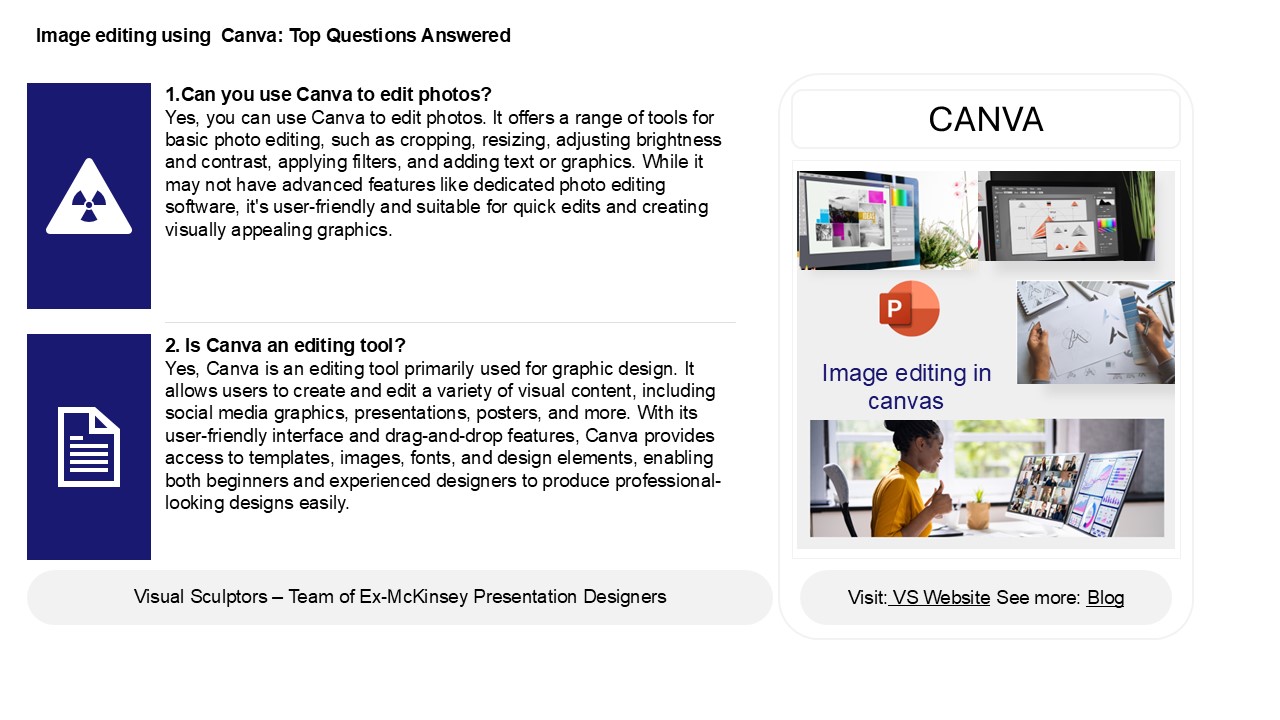
1.Can you use Canva to edit photos? Yes, you
can use Canva to edit photos. It offers a range
of tools for basic photo editing, such as
cropping, resizing, adjusting brightness and
contrast, applying filters, and adding text or
graphics. While it may not have advanced features
like dedicated photo editing software, it's
user-friendly and suitable for quick edits and
creating visually appealing graphics.
CANVA
2. Is Canva an editing tool? Yes, Canva is an
editing tool primarily used for graphic design.
It allows users to create and edit a variety of
visual content, including social media graphics,
presentations, posters, and more. With its
user-friendly interface and drag-and-drop
features, Canva provides access to templates,
images, fonts, and design elements, enabling both
beginners and experienced designers to produce
professional-looking designs easily.
2
Image editing using canva Top Questions
Answered
3. Can you use Canva like Photoshop? Canva and
Photoshop serve different purposes. Canva is
designed for easy graphic design with templates
and user-friendly tools, making it ideal for
quick creations like social media posts and
presentations. Photoshop, on the other hand,
offers advanced photo editing and manipulation
capabilities, suitable for professional graphic
designers and photographers. While you can
perform some basic editing in Canva, it lacks the
depth and precision of Photoshop. Thus, while
Canva is great for simplicity and speed, it
cannot fully replicate Photoshop's extensive
features.
4. Is Canva better than Photoshop for photo
editing? Canva and Photoshop serve different
purposes in photo editing. Canva is user-friendly
and ideal for quick designs, social media
graphics, and simple edits, making it suitable
for non-designers. Photoshop, on the other hand,
offers advanced features and tools for detailed
photo manipulation, professional editing, and
complex projects, making it the go-to for
experienced designers. Ultimately, the choice
depends on your needs for simplicity and speed,
Canva is better for in-depth editing and
professional results, Photoshop excels.
5. What is Canva mostly used for? Canva is
primarily used for creating a wide range of
visual content, including social media graphics,
presentations, posters, infographics, and
marketing materials. Its user-friendly interface
and drag-and-drop features enable users to design
professional-quality visuals without needing
extensive graphic design skills. Canva offers a
vast library of templates, images, fonts, and
design elements, making it popular among
individuals, businesses, educators, and marketers
for both personal and professional projects.
Recommended

