

How to Choose the Perfect Custom Icons for Your Business" PowerPoint PPT Presentation
Title: How to Choose the Perfect Custom Icons for Your Business"
1
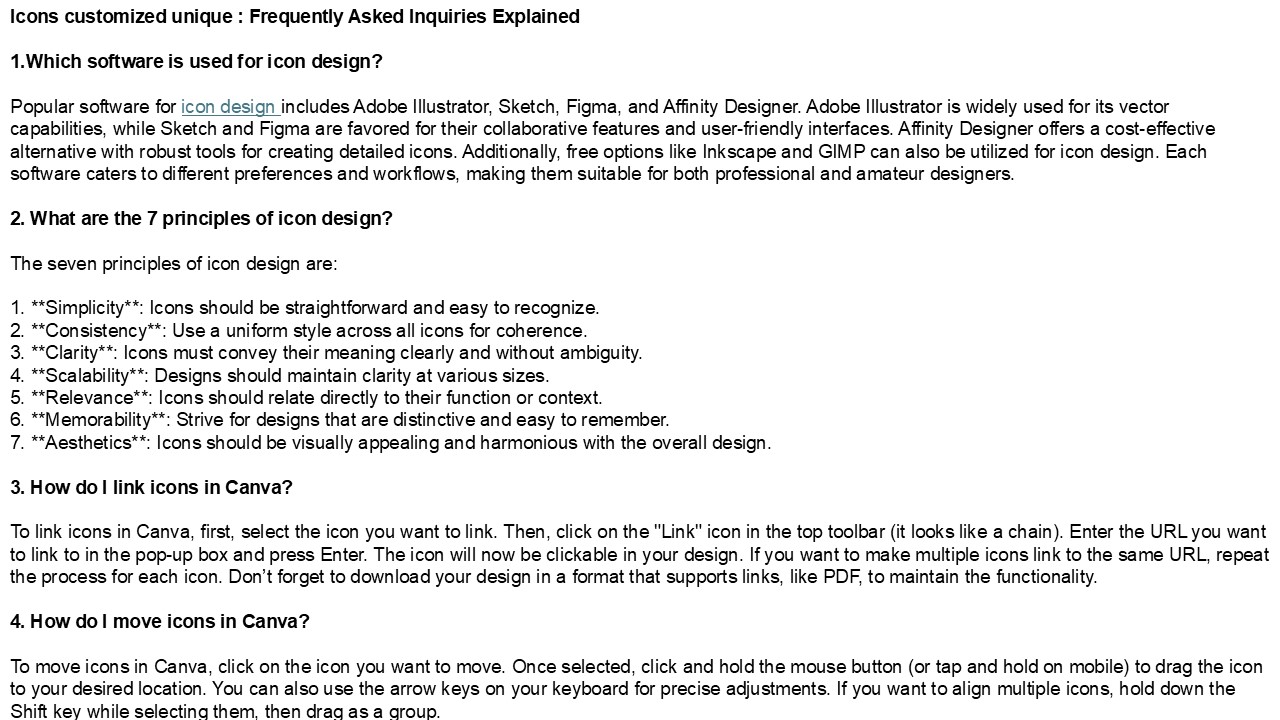
- Icons customized unique Frequently Asked
Inquiries Explained - 1.Which software is used for icon design?
- Popular software for icon design includes Adobe
Illustrator, Sketch, Figma, and Affinity
Designer. Adobe Illustrator is widely used for
its vector capabilities, while Sketch and Figma
are favored for their collaborative features and
user-friendly interfaces. Affinity Designer
offers a cost-effective alternative with robust
tools for creating detailed icons. Additionally,
free options like Inkscape and GIMP can also be
utilized for icon design. Each software caters to
different preferences and workflows, making them
suitable for both professional and amateur
designers. - 2. What are the 7 principles of icon design?
- The seven principles of icon design are
- 1. Simplicity Icons should be
straightforward and easy to recognize. - 2. Consistency Use a uniform style across
all icons for coherence. - 3. Clarity Icons must convey their meaning
clearly and without ambiguity. - 4. Scalability Designs should maintain
clarity at various sizes. - 5. Relevance Icons should relate directly to
their function or context. - 6. Memorability Strive for designs that are
distinctive and easy to remember. - 7. Aesthetics Icons should be visually
appealing and harmonious with the overall design. - 3. How do I link icons in Canva?
2
For more precise positioning, use the position
settings in the top toolbar to adjust alignment
or layers. 5. How do I merge icons in Canva?
To merge icons in Canva, first select the icons
you want to combine by holding down the Shift key
and clicking on each icon. Once selected, click
on the "Group" option in the top-right menu (or
right-click and select "Group"). This will merge
the icons into a single unit, allowing you to
move and resize them together. If you want to
ungroup them later, simply select the grouped
icons and click "Ungroup. Vi
sit VS Website See more Blog
Recommended

