

How To Edit Picture In PowerPoint PowerPoint PPT Presentation
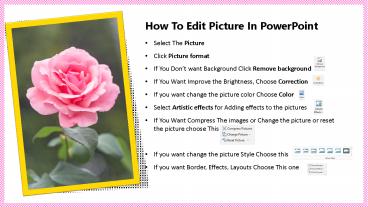
Title: How To Edit Picture In PowerPoint
1
How To Edit Picture In PowerPoint
- Select The Picture
- Click Picture format
- If You Dont want Background Click Remove
background - If You Want Improve the Brightness, Choose
Correction - If you want change the picture color Choose Color
- Select Artistic effects for Adding effects to the
pictures - If You Want Compress The images or Change the
picture or reset the picture choose This - If you want change the picture Style Choose this
- If you want Border, Effects, Layouts Choose This
one
Recommended

