

Descriptive statistics PowerPoint PPT Presentation
1 / 2
Title: Descriptive statistics
1
Descriptive statistics
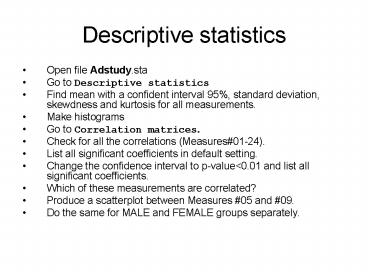
- Open file Adstudy.sta
- Go to Descriptive statistics
- Find mean with a confident interval 95, standard
deviation, skewdness and kurtosis for all
measurements. - Make histograms
- Go to Correlation matrices.
- Check for all the correlations (Measures01-24).
- List all significant coefficients in default
setting. - Change the confidence interval to p-valuelt0.01
and list all significant coefficients. - Which of these measurements are correlated?
- Produce a scatterplot between Measures 05 and
09. - Do the same for MALE and FEMALE groups separately.
2
Descriptive statistics
- Test if MALE and FEMALE groups have identical
response (t-test for independent samples by
groups). - Create BoxWhisker plot for Measures 07, 08, 09.
- Test other Measures. What do the red lines mean?
- Go back to BoxWhisker plot and change the
Whisker value to the Standard Error. What does
the difference in Std.Err. between MALE and
FEMALE groups mean? - Go to Graph. Make histograms for Measures 05,
07, 08 and 09 (with normal fit disabled) , and a
scatterplot for Measures 05 and 09 for the whole
sample, and separately for MALE and FEMALE
groups. Do the same by Advert grouping. - Do Measures 07, 08 and 09 have a normal
distribution?
Recommended

