

A Key Technique for Crafting Effective Presentations PowerPoint PPT Presentation
Title: A Key Technique for Crafting Effective Presentations
1
McKinsey Style Presentation Common Queries
Answered
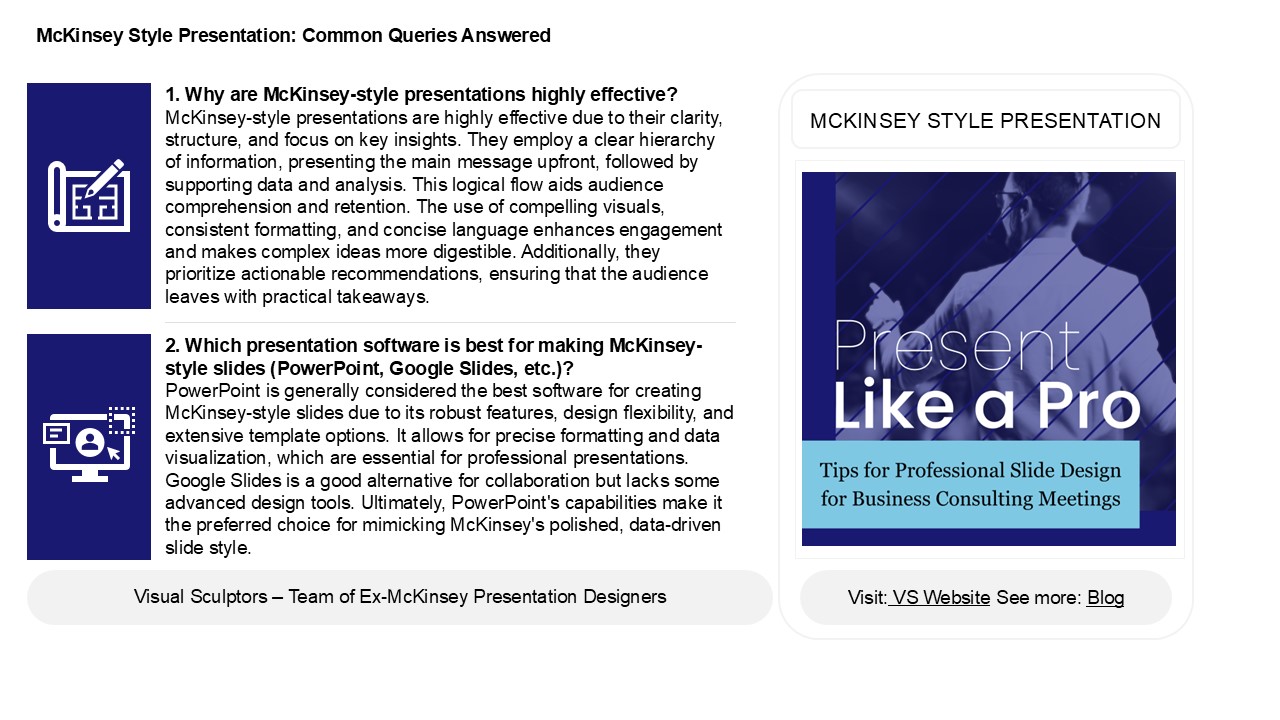
1. Why are McKinsey-style presentations highly
effective? McKinsey-style presentations are
highly effective due to their clarity, structure,
and focus on key insights. They employ a clear
hierarchy of information, presenting the main
message upfront, followed by supporting data and
analysis. This logical flow aids audience
comprehension and retention. The use of
compelling visuals, consistent formatting, and
concise language enhances engagement and makes
complex ideas more digestible. Additionally, they
prioritize actionable recommendations, ensuring
that the audience leaves with practical
takeaways.
MCKINSEY STYLE PRESENTATION
2. Which presentation software is best for making
McKinsey-style slides (PowerPoint, Google Slides,
etc.)? PowerPoint is generally considered the
best software for creating McKinsey-style slides
due to its robust features, design flexibility,
and extensive template options. It allows for
precise formatting and data visualization, which
are essential for professional presentations.
Google Slides is a good alternative for
collaboration but lacks some advanced design
tools. Ultimately, PowerPoint's capabilities make
it the preferred choice for mimicking McKinsey's
polished, data-driven slide style.
2
McKinsey Style Presentation Common Queries
Answered
3. How does the Pyramid Principle work in
McKinsey-style presentations? The Pyramid
Principle, developed by Barbara Minto, structures
communication logically, starting with the main
idea or recommendation at the top. In
McKinsey-style presentations, this approach
organizes supporting arguments and data
hierarchically beneath the main point, ensuring
clarity and coherence. Each supporting idea is
grouped logically, allowing the audience to grasp
the key message quickly. This method helps
prioritize information, making complex concepts
more digestible, and encourages a narrative flow
that leads the audience through the reasoning
process, ultimately facilitating decision-making
and understanding.
4. What tools are typically used to create
McKinsey-style presentations? McKinsey-style
presentations are typically created using tools
like Microsoft PowerPoint for slide design, along
with Excel for data analysis and visualization.
Additionally, tools like Adobe Illustrator may be
used for custom graphics, while platforms like
Tableau or Power BI can help create data
dashboards. For collaboration and sharing,
cloud-based tools like Microsoft Teams or Google
Drive are often utilized. Finally, presentation
frameworks and templates specific to McKinseys
branding can also enhance the professionalism of
the slides.
5. Where can I find high-quality McKinsey-style
presentation templates? You can find
high-quality McKinsey-style presentation
templates on websites like Slide Model, Slides
Carnival, and Envato Elements. Additionally,
platforms like Canva and PowerPoint offer
customizable templates. For a more tailored
approach, consider searching for specific design
resources on sites like Behance or Creative
Market. If you prefer free options, check out
Google Slides templates or PowerPoint template
galleries online. Always ensure you have the
necessary rights or licenses for any templates
you download or use.
Recommended

