

Online Grade Access PowerPoint PPT Presentation
1 / 1
Title: Online Grade Access
1
Student Name
Online Grade Access
At any time during the grading period, your child
should have a snapshot of where they are
gradewise. I give as much personal feedback to
your child as I can on their progress. However, I
dont want anyone to be surprised in a negative
way at report card time. Pleasant surprises are
always welcome. ? All of the 5th grade teachers
have purchased the online grade service so that
you and your child can keep up to date with your
childs grades. All of us spent many, many, many
hours linking all of your childs classes
together for you so that all you have to do is
enter two codes and you can view all the classes
and their grades and assignments for each. We
encourage you to check weekly and check with your
child. Your child is responsible for their work
and assignments. If work is missing, please ask
your child about it as it is their
responsibility. If you have a question about your
childs science grade, please contact Ms.
Phillips at lphillips_at_cusd220.org If you lose
your codes or have difficulty, please call Family
Education Network customer support team, Monday
through Friday, 900AM to 500PM Eastern Time,
toll-free at 1-800-498-3264. You will hear a
recorded message when you call. Please be sure to
select the customer support option to reach a
customer support representative that can help
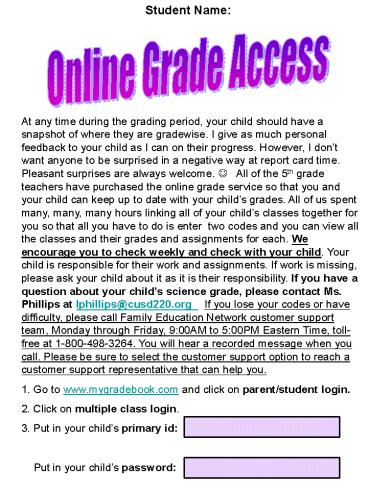
you. 1. Go to www.mygradebook.com and click on
parent/student login. 2. Click on multiple class
login. 3. Put in your childs primary id
Put in your childs password
Recommended

